

Zero-Touch features for field service management
Manage your field service teams with automation that removes complexity and boosts efficiency. Deliver faster service, eliminate admin work, and give customers a seamless experience with features built to keep every field service workflow under control.
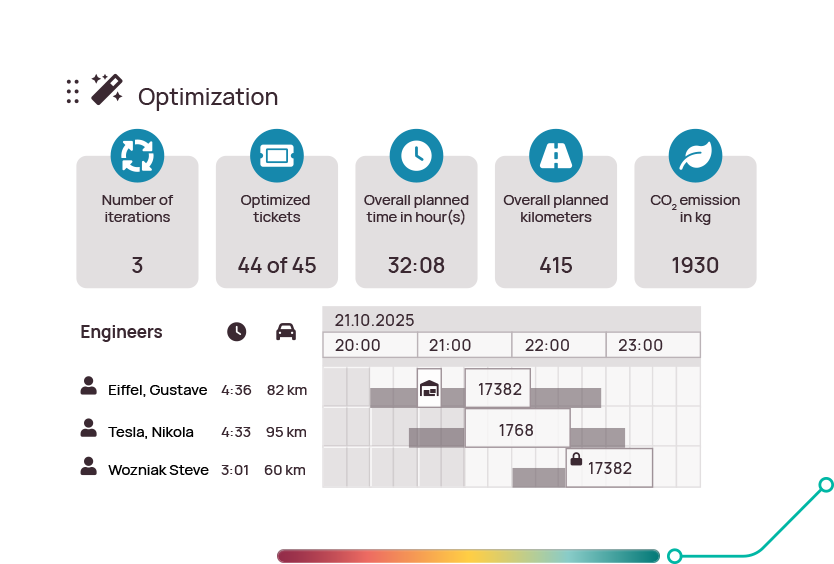
Zero-Touch FSM scheduling
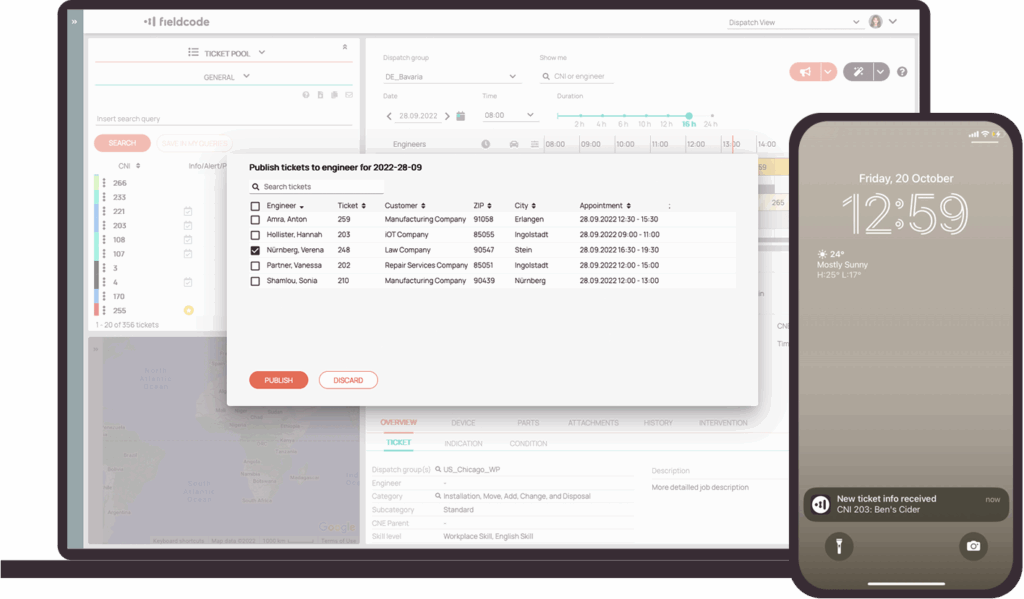
Automated dispatching
Automated dispatching
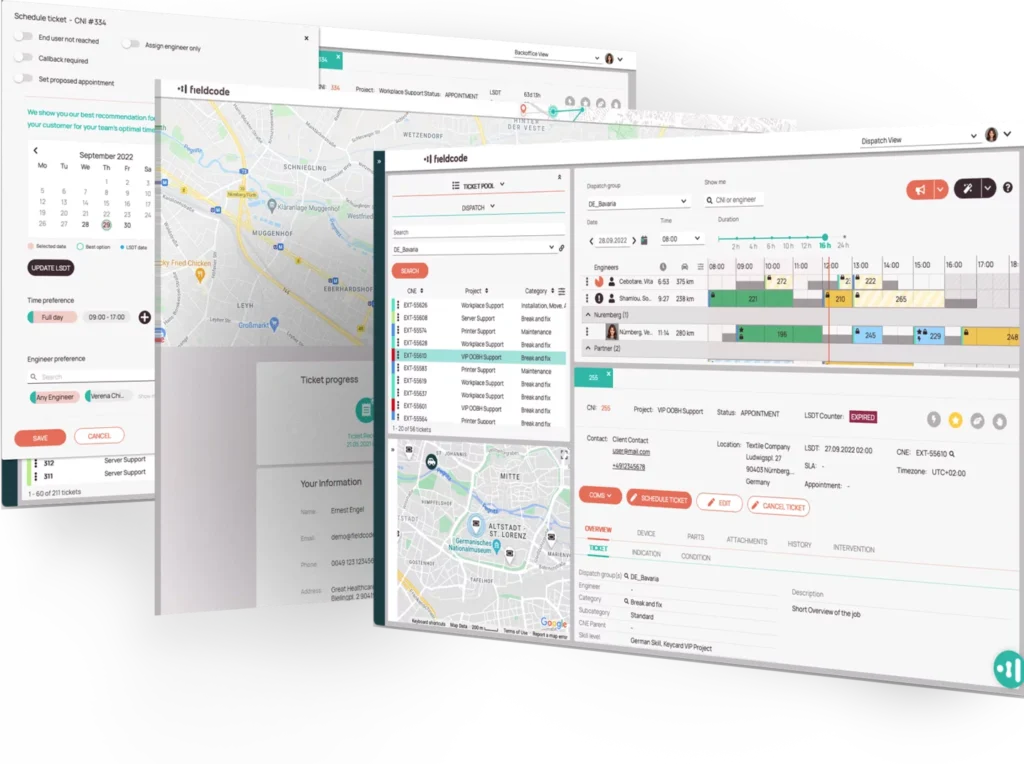
Every ticket is dispatched automatically with smart rules that match the right engineer based on skills, location, and efficiency. The unique Engineer Efficiency Factor accounts for each technician’s speed and proficiency— keeping schedules balanced and customers served without delay.
Route optimization
Route optimization
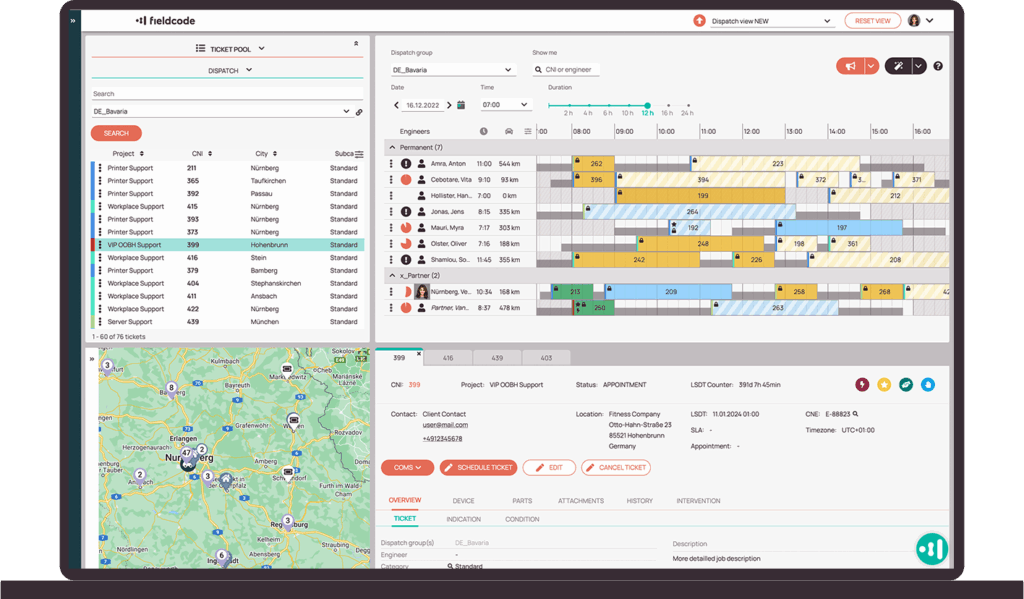
Routes recalculate automatically with travel time, SLAs, real-time traffic, and parts pick-up and drop-off built in. Technicians always get the fastest, most efficient path.
LEARN MORE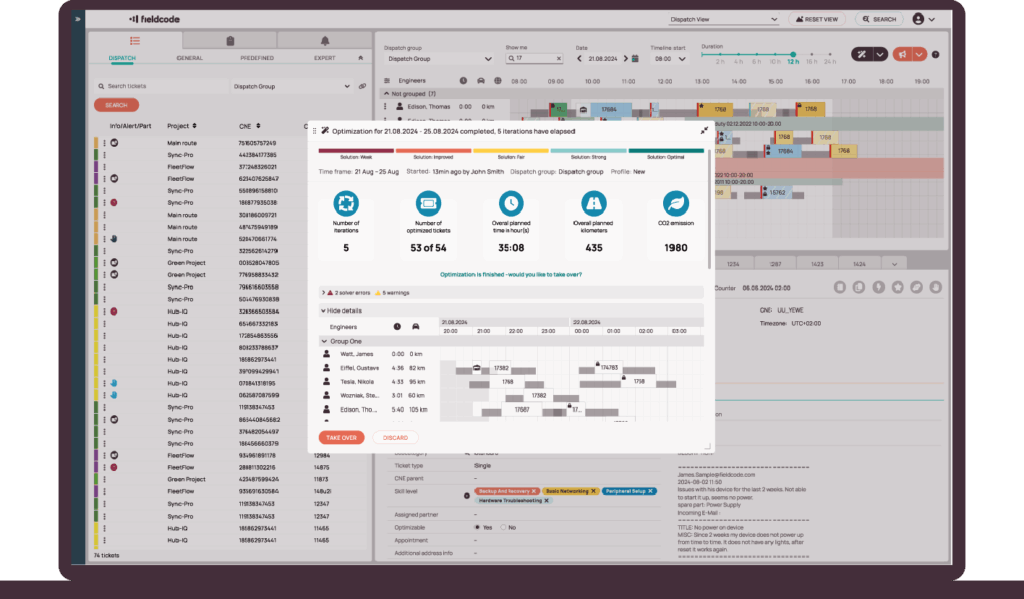
Customer portal
Customer portal
Every appointment is managed automatically, easily, and on your customer’s terms. Customers book, reschedule, or cancel online, get instant updates, and see real-time technician status—all without your team lifting a finger.
LEARN MORE
Guided mobile workflows
Guided mobile workflows
Technicians never miss a step. The mobile app guides technicians through assignments, status updates, parts, reporting, and instructions in real time—online or offline—so jobs finish right the first time.
LEARN MORE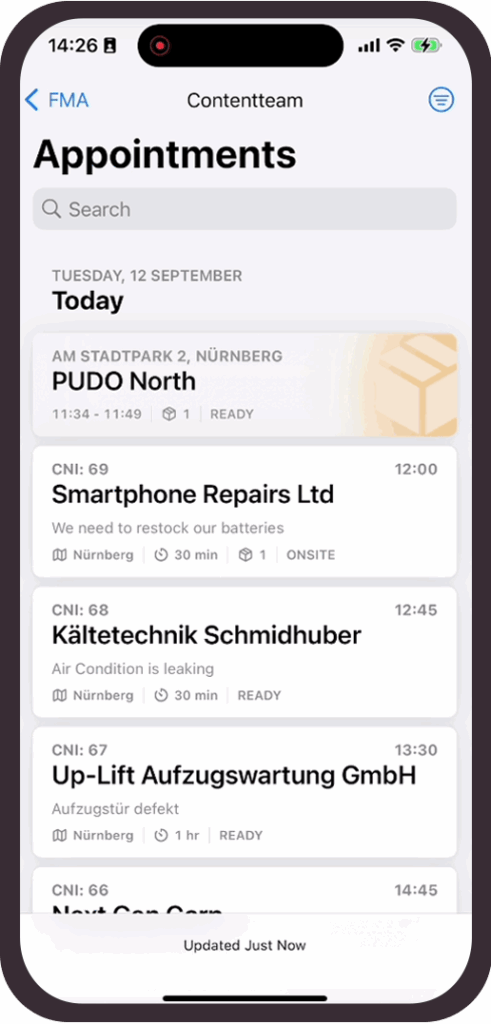
Zero-Touch FSM ticket creation
Voice AI agents

Voice AI agents
Every service call is handled automatically, and around the clock. Fieldcode voice AI agents speak naturally with customers, create and update tickets, confirm or reschedule appointments, and keep service moving—even while you sleep.
LEARN MOREProactive maintenance
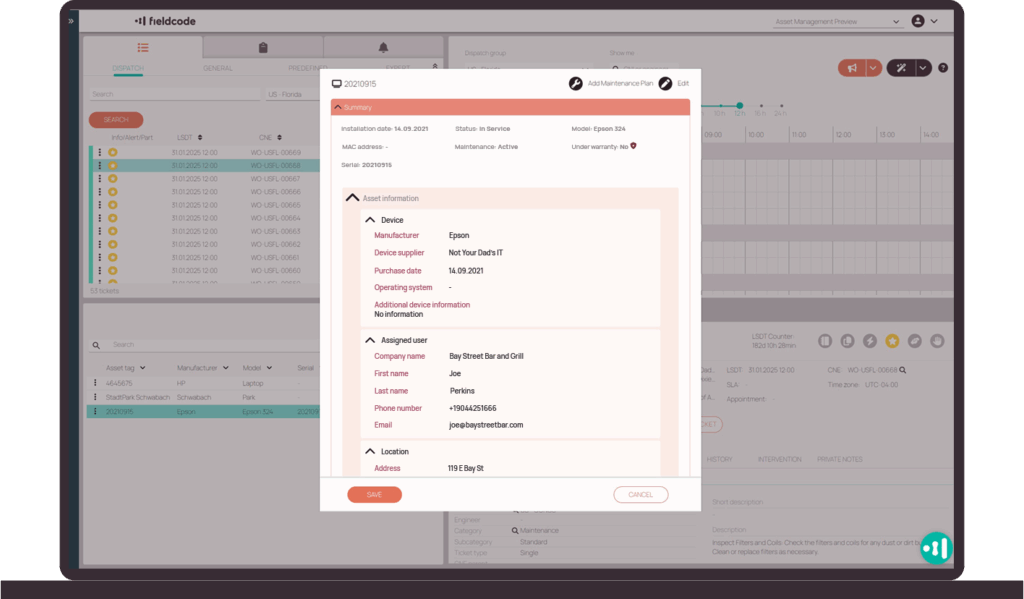
Proactive maintenance
Tickets are created automatically for both scheduled and forecasted maintenance. Fieldcode supports preventive maintenance based on time or usage rules, and predictive maintenance when equipment data signals a likely failure—reducing downtime and avoiding unexpected breakdowns.
Ticket import
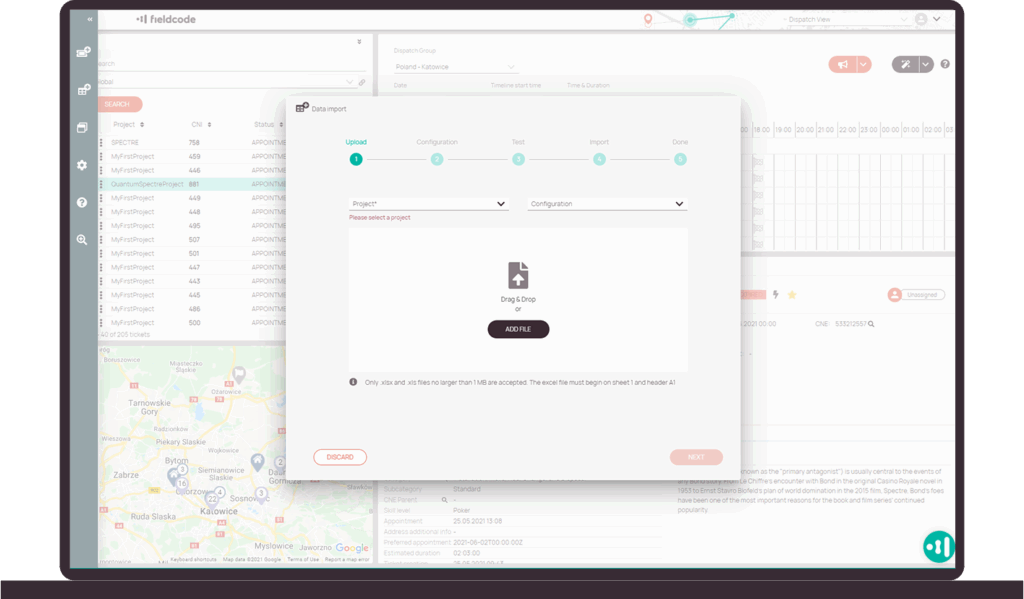
Ticket import
Import work orders and job information from any system. Fieldcode syncs every detail automatically- job history, contacts, contact attempts, and updates – so your team works with complete, up-to-date information.
Custom lists
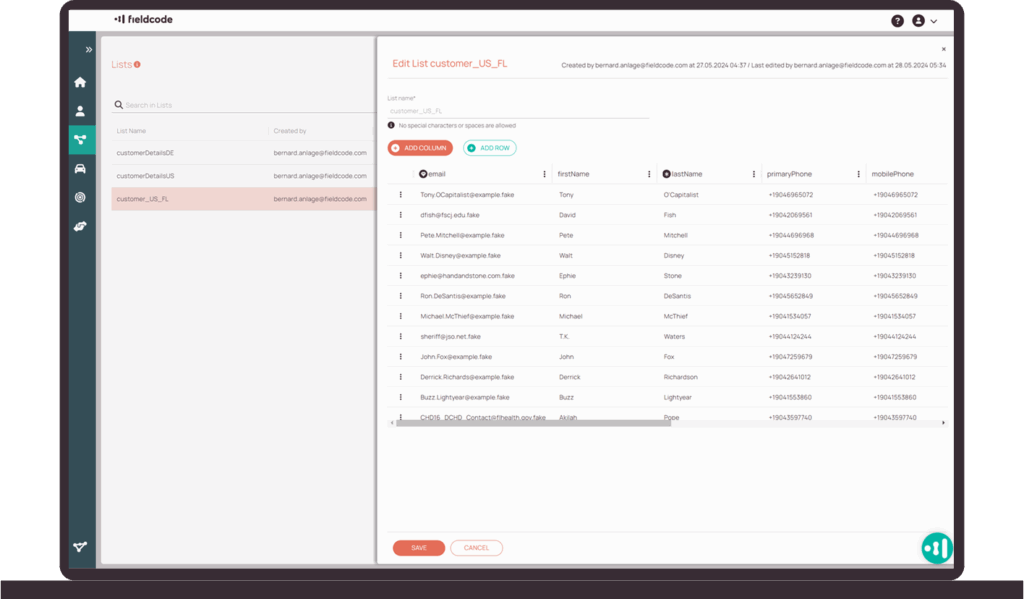
Custom lists
Data entry takes care of itself. Reusable lists for sites, devices, addresses, or custom lists speed up ticket creation and eliminate errors—keeping every job consistent from the start.
LEARN MOREZero-Touch FSM ticket preparation
Workflow designer
Workflow designer
Tickets pass through preparation automatically with predefined steps like validations, part checks, or approvals. Set the rules once, so tickets follow the right process every time, automatically. Customize any process and apply it across any stage of service.
LEARN MORE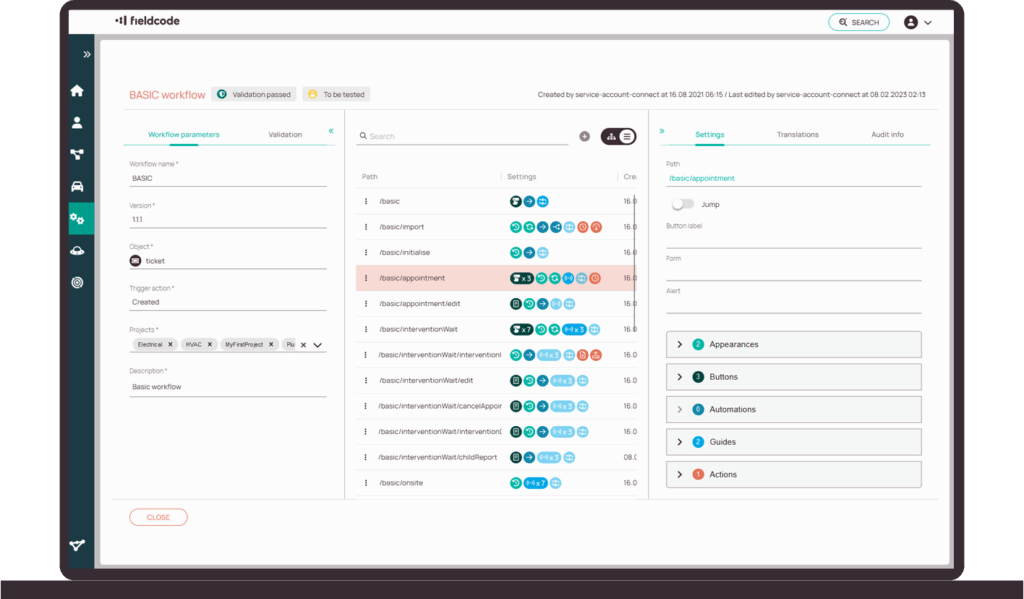
Forms designer
Forms designer
Teams collect exactly what’s needed on-site without extra paperwork. Create custom fields for checklists, equipment types, photos, or signature approvals – so tickets, work orders, and reports always include the required details and nothing gets missed.
LEARN MORE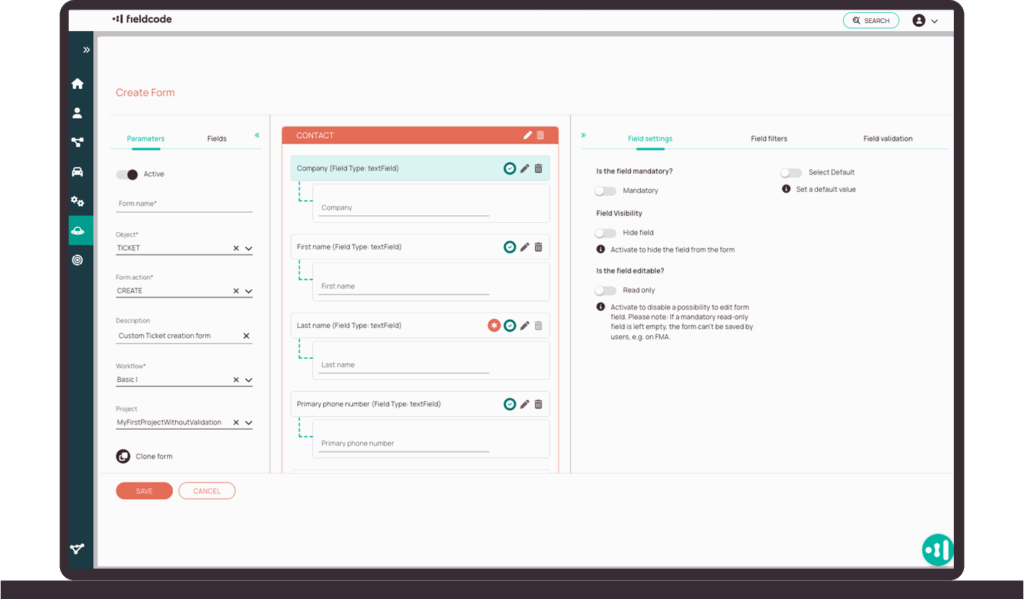
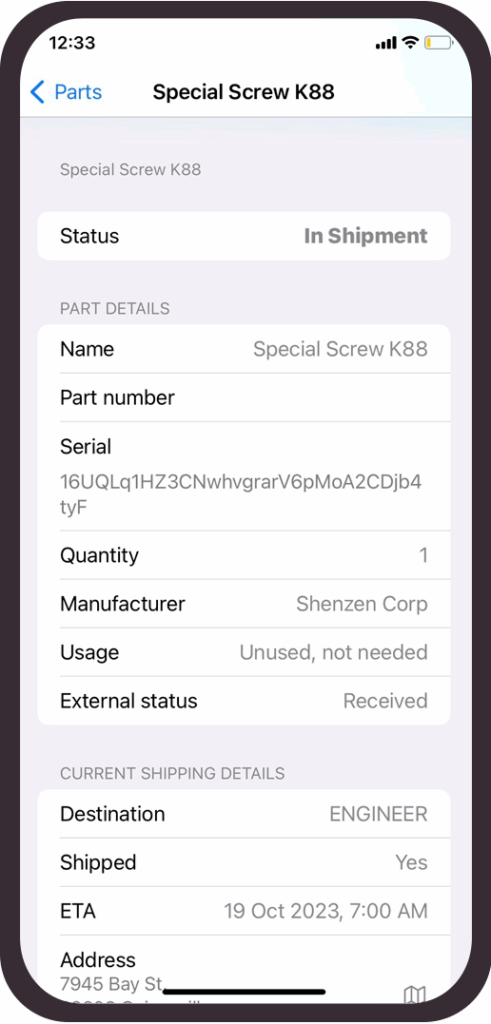
Parts and returns
Parts and returns
Spare part deliveries and returns are monitored automatically. Pick-ups and drop-offs (PUDO) are scheduled into the plan automatically, so everything is ready before the job starts and technicians arrive with what they need.
Ticket communication
Ticket communication
Everyone stays aligned. Updates are shared in real time and logged automatically, so actions are visible and confirmed without extra follow-up.
Zero-Touch FSM monitoring
Customer portal
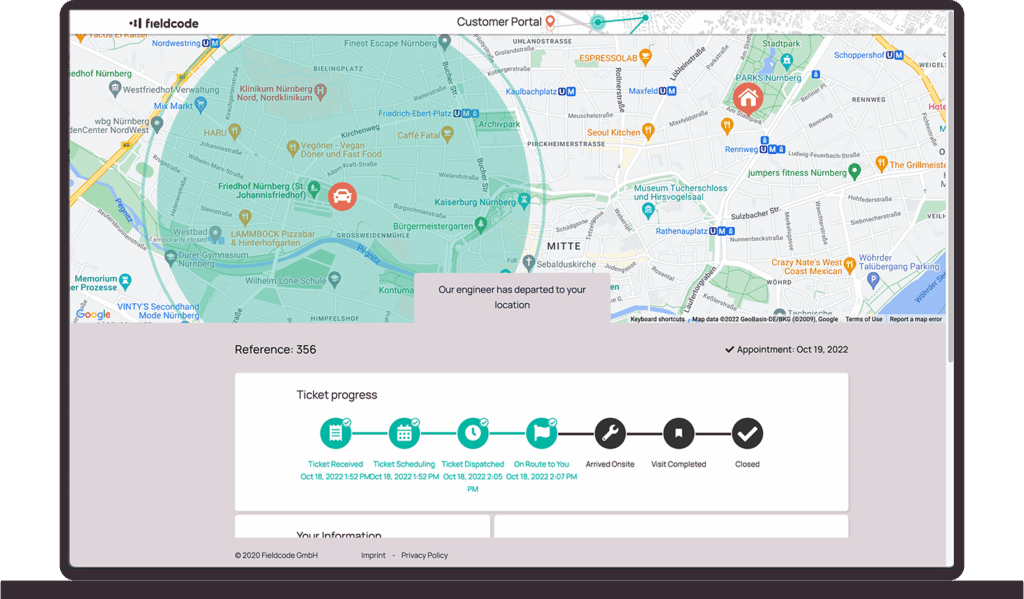
Customer portal
Customers stay updated automatically. Appointment changes, ETA, and job progress are sent by email, SMS, or by a live tracking link—no callbacks or manual follow-up needed.
Asset tracking

Asset tracking
Assets link directly to tickets and generate assignments or maintenance tasks automatically, so technicians always arrive prepared with the right resources.
Need full asset lifecycle management?
Contractor management
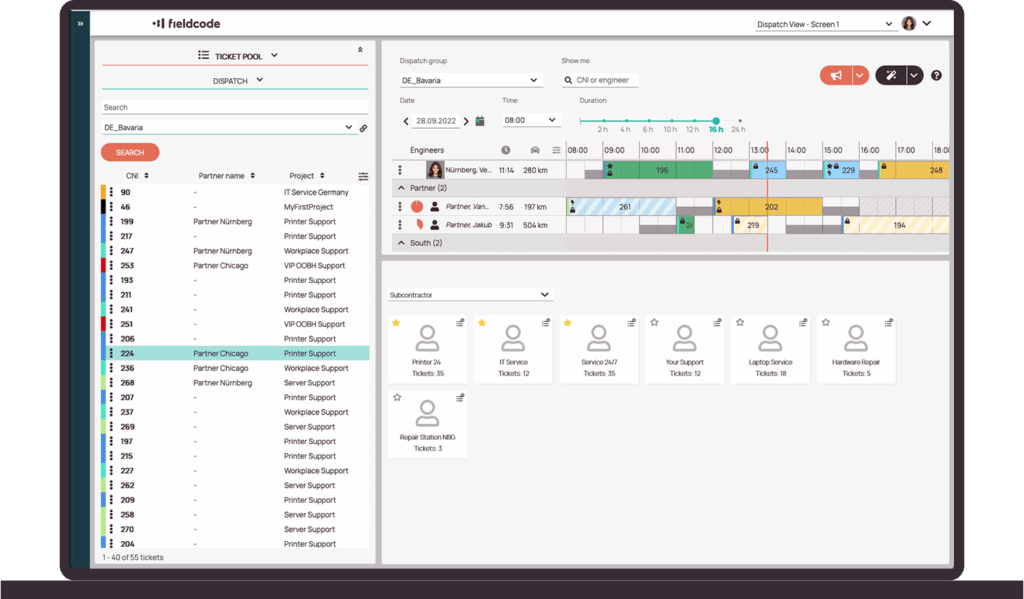
Contractor management
Work assigned to partners and subcontractors updates in the same system automatically, keeping progress transparent and service quality consistent.
Analytics dashboards
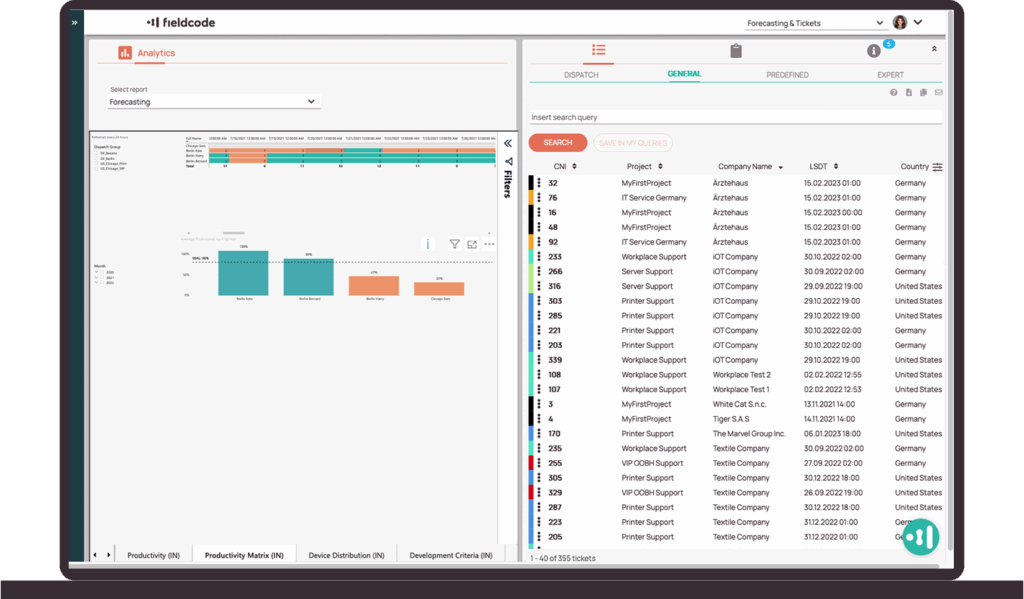
Analytics dashboards
KPIs and performance metrics refresh automatically in real time, from company-wide views down to engineer-level details.
Forecast reporting
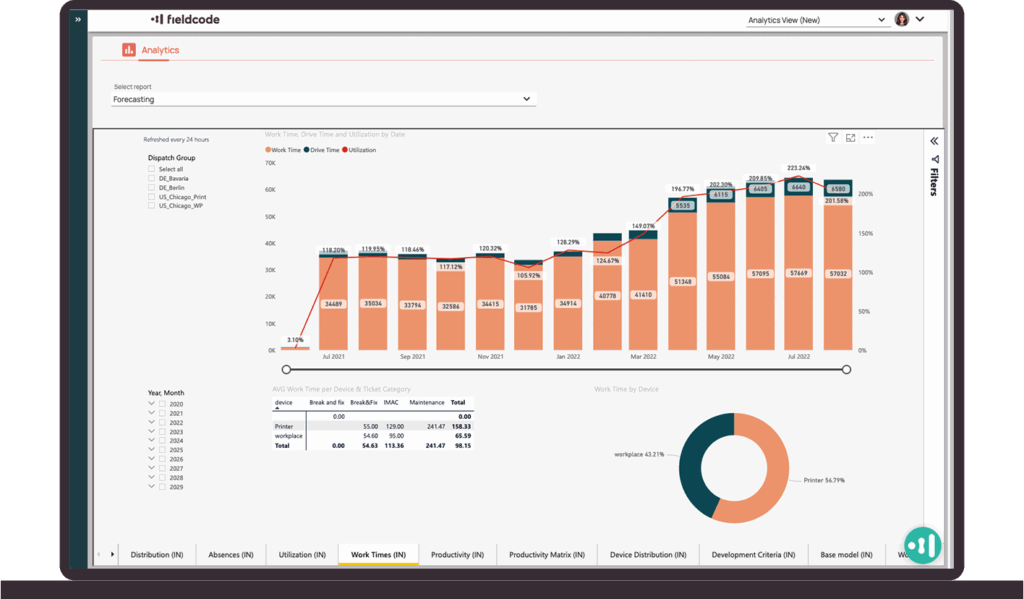
Forecast reporting
Service data automatically generates forecasts showing trends and demand by team, location, or time period—so you can plan ahead without manual effort.
Learn moreSetting up Fieldcode
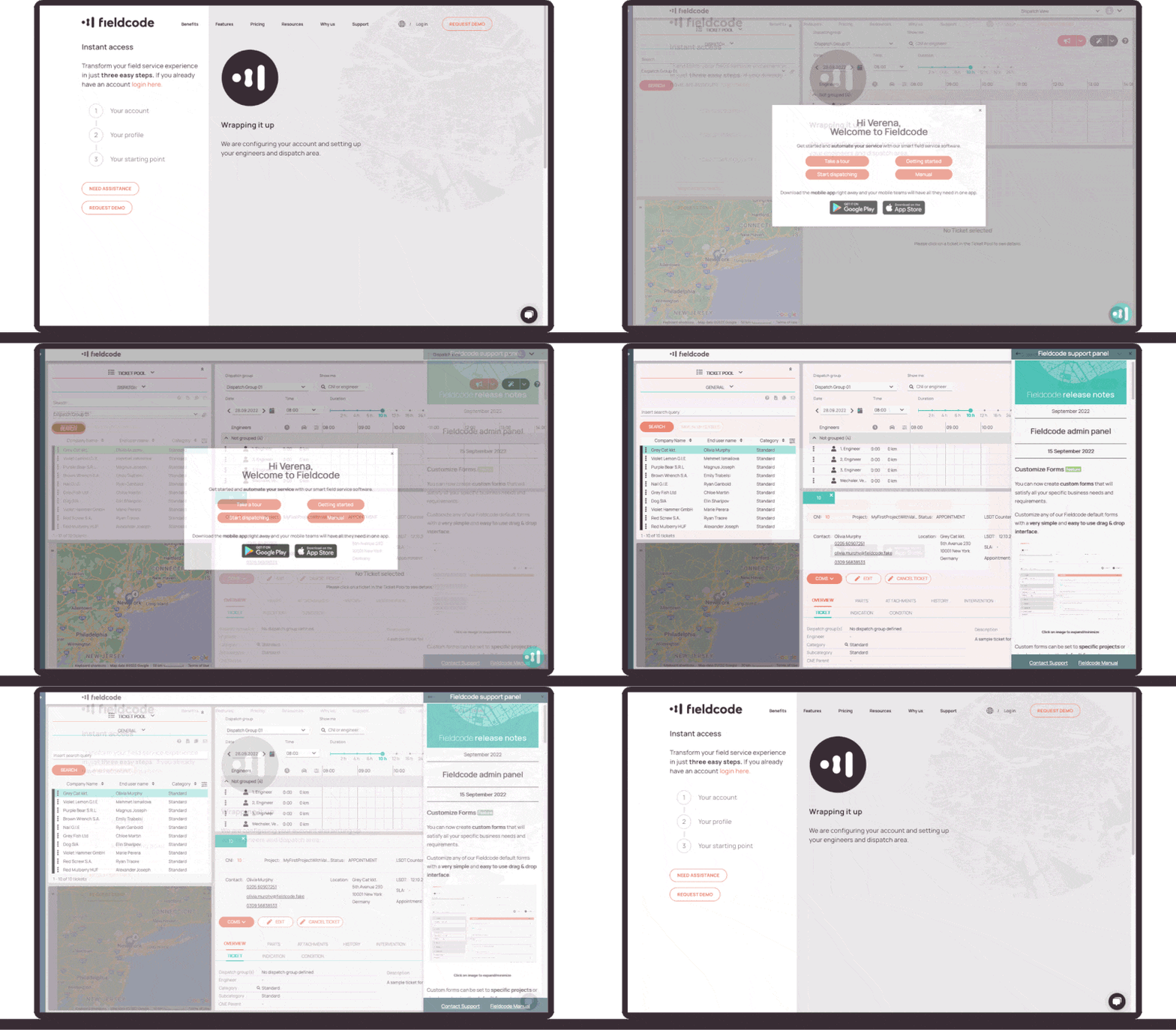
Drive better performance and experience effortless integration. Benefit from 190+ user cultures, and be ready for dispatch instantly with best practice setup and wizard functions.
Mastering Fieldcode features
Find the complete overview of our features and how each feature works in the Fieldcode Manual. Our clear guides make mastering each feature easy.
Explore manual